
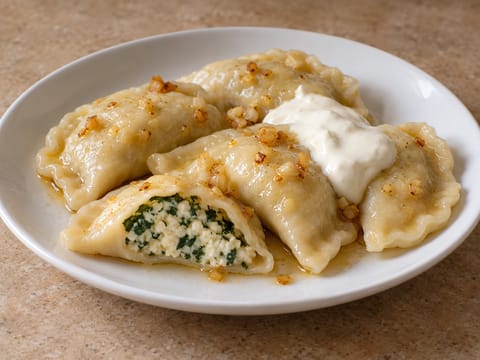
Modern Pierogi with Spinach and Ricotta
Pierogi filled with spinach and ricotta
Grocery Assistant
Plan your meals in minutes. Pick recipes, adjust servings, and we’ll build one smart grocery list grouped by ingredient type.
Build your meal plan from recipes you like and let the planner turn their ingredients into one organized grocery list.
Browse the recipe collection and add the meals you want to your plan.
Set servings for your whole plan or adjust individual recipes when needed.
Ingredients from your selected recipes are automatically combined and grouped into one grocery list.
Save meal plans and grocery lists to return to them later. You need to be logged in to save a list.
Free: up to 5 lists · Premium: up to 250 lists
Adjusts all recipes at once. You can still tweak servings per recipe in the selection bar.
Recipes with manually adjusted servings won’t be overwritten by Global servings.
Use filters to find the recipes you like, then add them to your plan.
Pierogi filled with spinach and ricotta

Layered dessert with beans, pandan jelly, coconut milk and ice

Dense Portuguese almond cake finished with icing sugar
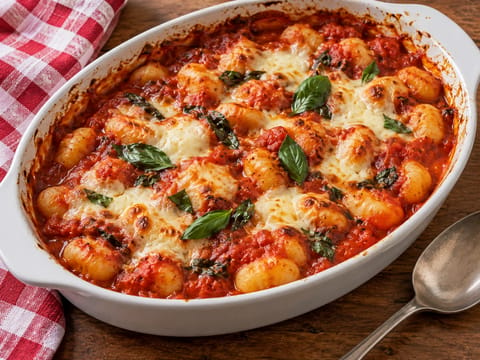
One-pan gnocchi baked in tomato sauce with mozzarella

Cajun chicken étouffée with dark roux served over rice

Caramel chocoflan with vanilla flan and chocolate sponge
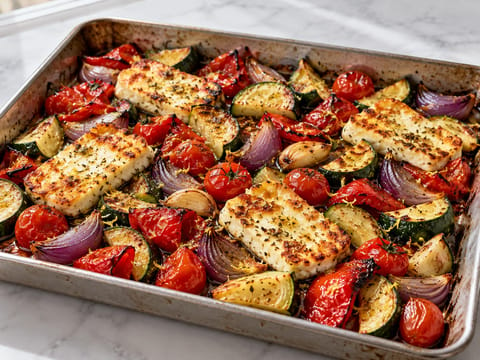
Halloumi traybake with roasted courgette, pepper and tomatoes
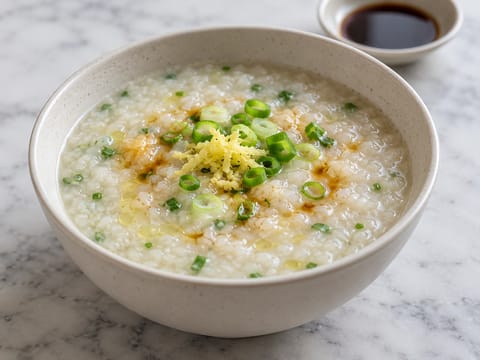
Creamy jasmine rice congee with ginger and spring onion
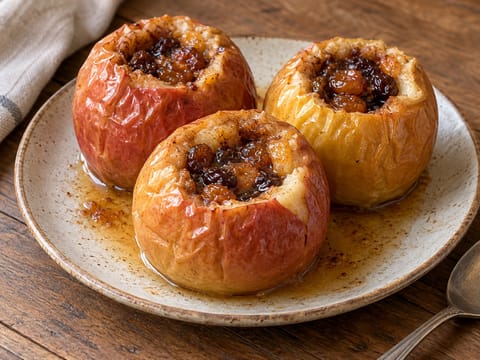
Air fryer baked apples filled with cinnamon, brown sugar and butter.
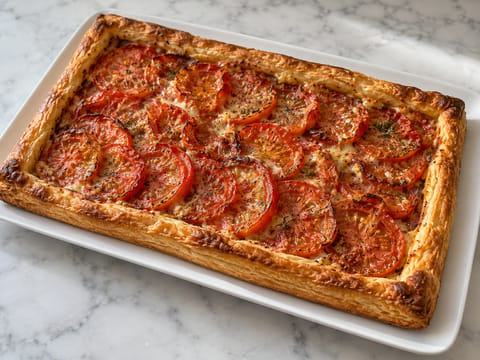
Puff pastry tart with Dijon mustard, tomatoes and Gruyère

Dense Breton butter cake with vanilla and egg yolks

Buttery Dutch cookies with a thick almond paste filling
Set global servings to adjust your whole plan at once. Recipes you adjust individually keep their own serving size.
Use smart suggestions to find recipes with shared ingredients, quick options, desserts, simple recipes or something different.
Switch between metric and US measurements, show detailed ingredient information, then copy or print your finished grocery list.
Browse the full recipe collection, find recipes based on ingredients you already have, or convert ingredient quantities for cooking and baking.
Choose recipes for your plan and adjust the number of servings if needed. The planner combines the ingredients from your selected recipes and automatically creates one organized grocery list.
Ingredient quantities are adjusted to the servings you choose. Ingredients are then combined where possible and grouped by ingredient type to make the list easier to use while shopping.
Matching ingredients from different recipes are combined where possible, so you can see the total quantity you need instead of separate entries for every recipe.
Yes. Global servings adjust all recipes in your plan at once. You can also change servings for individual recipes, and manually adjusted recipes will keep their own serving size.
Smart suggestions help you expand your meal plan. Depending on your current recipes, you can discover recipes that share ingredients, add a quick or simple recipe, include a dessert, or try something different.
Yes. You can switch the grocery list between metric measurements and US cups and ounces where conversions are available.
You can copy or print your generated grocery list. If you are logged in, you can also save meal plans and grocery lists so you can return to them later.